The Ultimate Canva Starter Course
$47.00
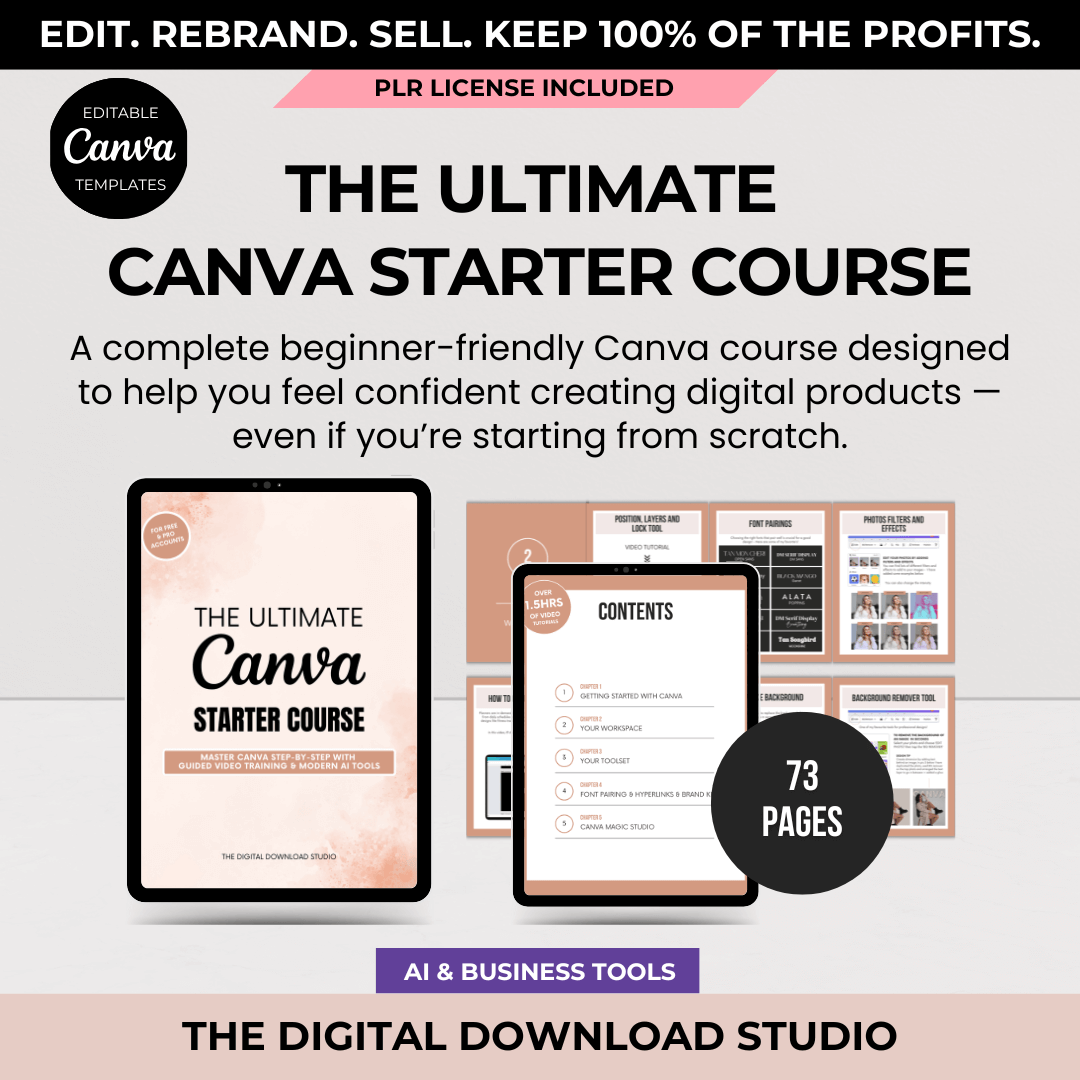
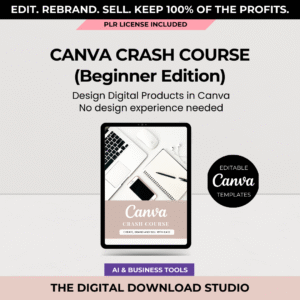
A beginner-friendly Canva course that builds confidence while you create. Includes over 1.5 hours of step-by-step video training, modern Canva features (including AI tools), and PLR rights—so you can learn and earn as you go.
The Ultimate Canva Starter Course
Learn Canva with Confidence — and Create Digital Products with Ease
If Canva feels confusing or overwhelming, you’re not alone.
Jumping between videos and tutorials often leaves people feeling more stuck than when they started.
The Ultimate Canva Starter Course is a calm, step-by-step training designed to help beginners feel confident using Canva—without tech stress, design experience, or complicated tools.
You’ll learn how to use Canva properly, explore helpful features (including newer AI tools), and understand how to create digital products you can actually use in your business.
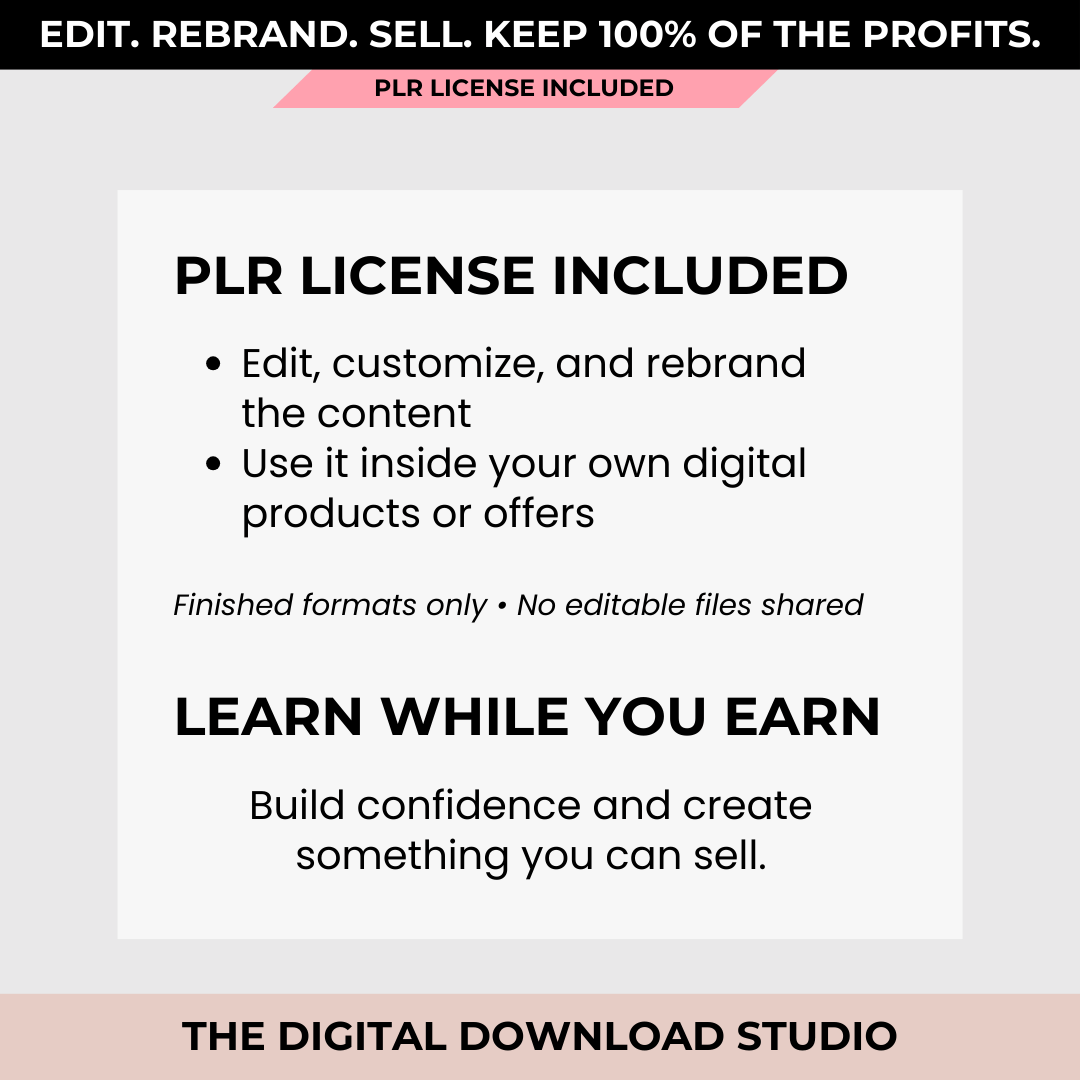
This product includes a PLR license, allowing you to customize and rebrand the content for use inside your own digital products or offers.
What This Course Helps You Do
- Learn Canva from the ground up
- Create polished digital products like ebooks, planners, and workbooks
- Work more efficiently with a clear design workflow
- Focus only on the tools and features that matter
- Feel confident using Canva for business or personal projects
No design background required.
No complicated software.
Just simple, guided learning you can follow at your own pace.
What You’ll Learn Inside
Chapter 1: Getting Started with Canva
Build a strong foundation and feel comfortable from day one.
- Finding templates that work for digital products
- Choosing the right sizes and layouts
- Understanding where to start—and what to skip
Chapter 2: Your Workspace
Set up Canva so it feels organized and easy to use.
- Navigating the Canva interface
- Creating a simple, efficient workflow
- Keeping everything tidy and accessible
Chapter 3: Your Toolset
Learn the core tools you’ll use again and again.
- Working with elements and layouts
- Aligning, layering, and organizing designs
- Creating clean, professional pages
Chapter 4: Fonts, Hyperlinks & Brand Kit
Create designs that look consistent and intentional.
- Choosing font pairings that are easy to read
- Adding clickable links
- Using the Brand Kit for consistent branding
Chapter 5: Canva Magic Studio (AI Features)
Explore Canva’s AI tools in a simple, practical way.
- What Magic Studio is and how it works
- Using AI tools without overwhelm
- Where AI can save you time
Chapter 6: Saving & Sharing Your Projects
Learn how to prepare your designs properly.
- Downloading files the right way
- Choosing the correct file formats
- Sharing your work confidently
Chapter 7: Apps & Other Canva Features
Discover helpful tools and features inside Canva.
- Which apps are worth using
- How to speed up your workflow
- Keeping your process simple
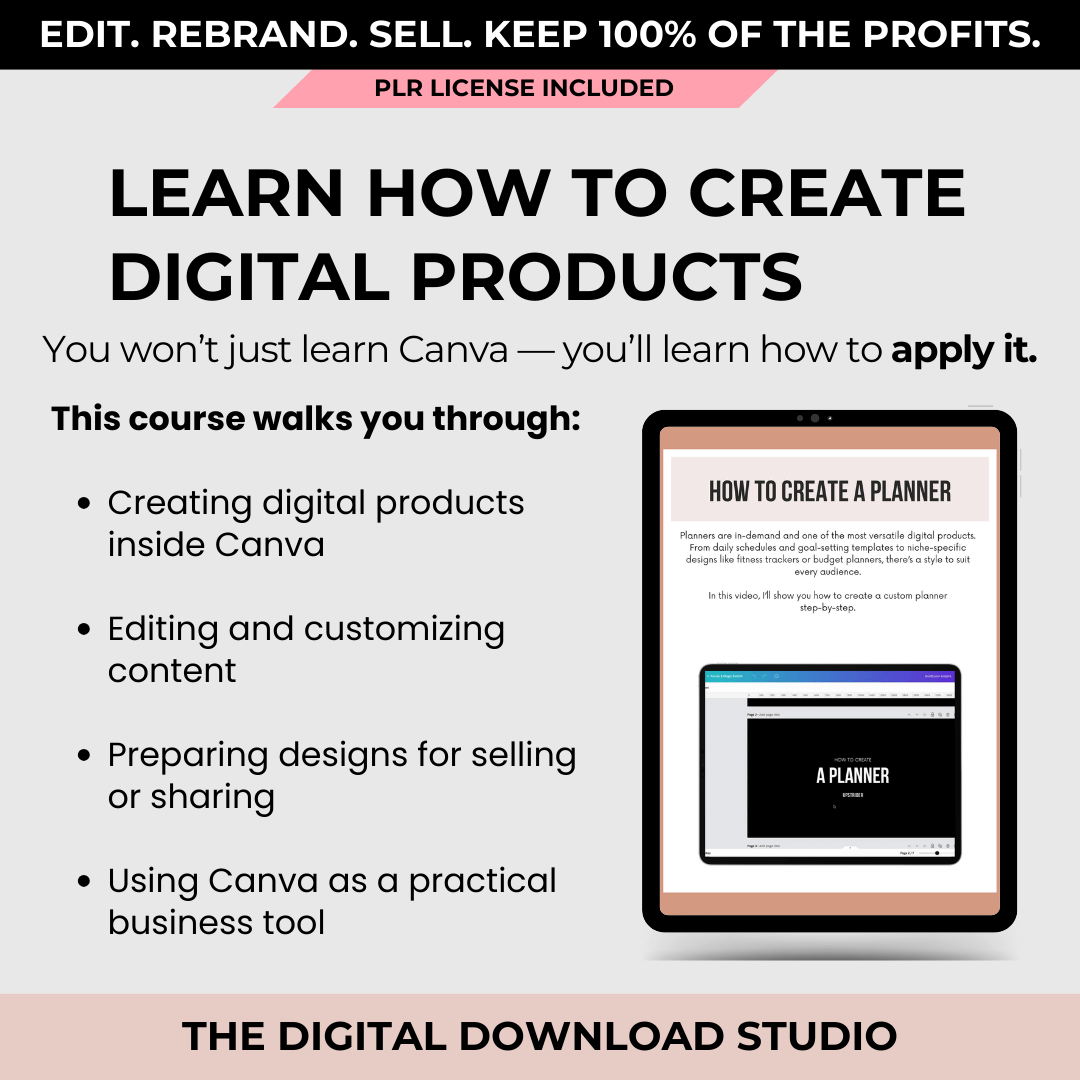
Chapter 8: How to Create Digital Products
Put everything together and apply what you’ve learned.
- Creating real digital products in Canva
- Structuring content clearly
- Designing with purpose and intention
Chapter 9: How to Edit and Share this Guide
Learn how to customize the course content.
- Editing text and visuals
- Adding your own branding
- Making the product your own
Chapter 10: Private Label Rights (PLR) License
Clear, easy-to-understand guidance on usage rights.
- What you’re allowed to do
- How to use or share the product correctly
- Understanding PLR without confusion
Video Training Included
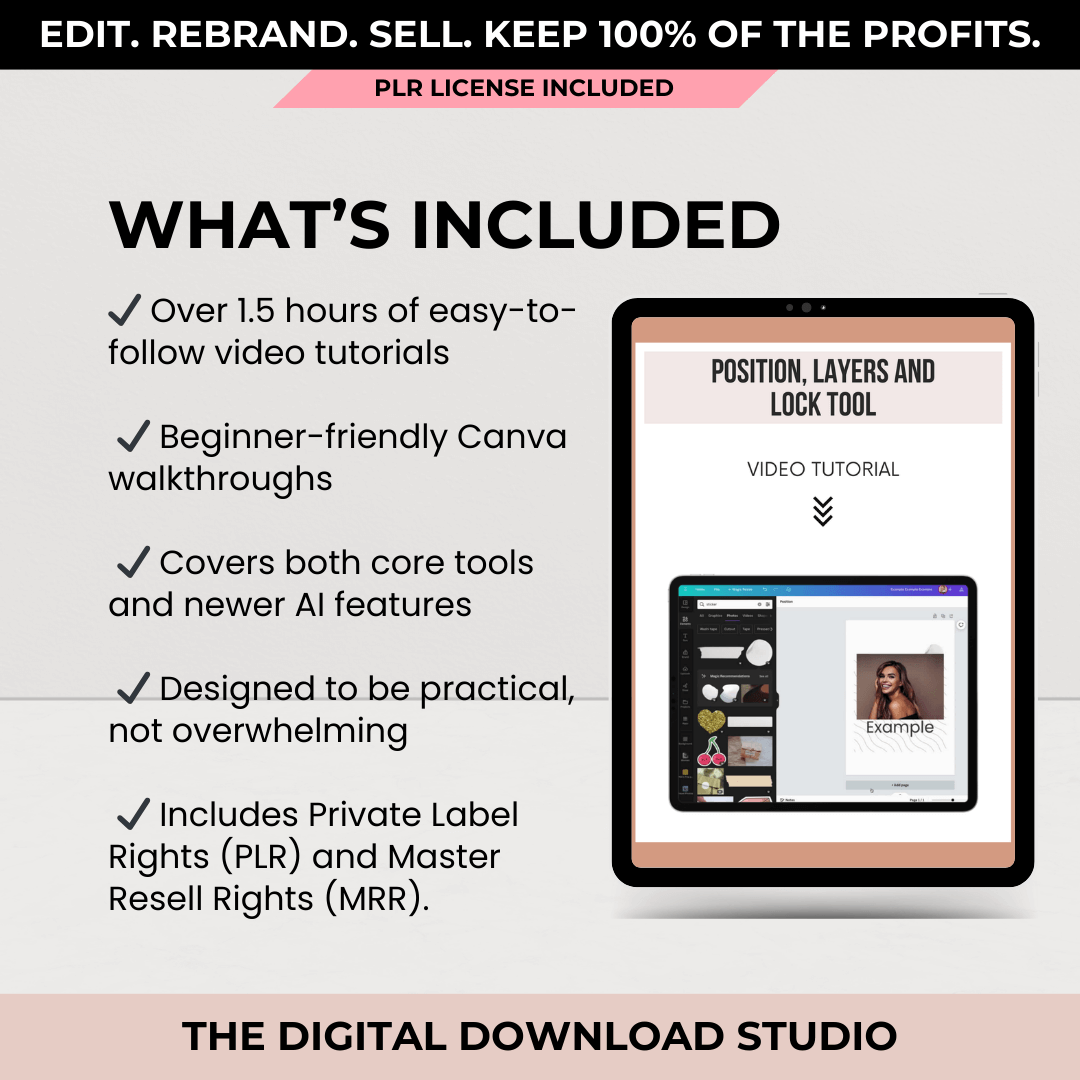
You’ll receive over 1.5 hours of step-by-step video tutorials, showing you exactly how to:
- Navigate Canva with confidence
- Use tools and features in real time
- Create digital products from start to finish
Everything is shown clearly, so you’re never left guessing.
PLR License
This product includes a PLR (Private Label Rights) License, which means:
✅ You MAY:
✔ Edit, customize, and rebrand the PLR content
✔ Use the content inside your own digital products or offers
✔ Sell your own finished product as a PDF
🚫 You MAY NOT:
✘ Share or sell editable Canva files
✘ Pass on PLR or resale rights
✘ Sell the templates themselves or distribute them as-is
A full license summary is included inside the download.
Who This Course Is For
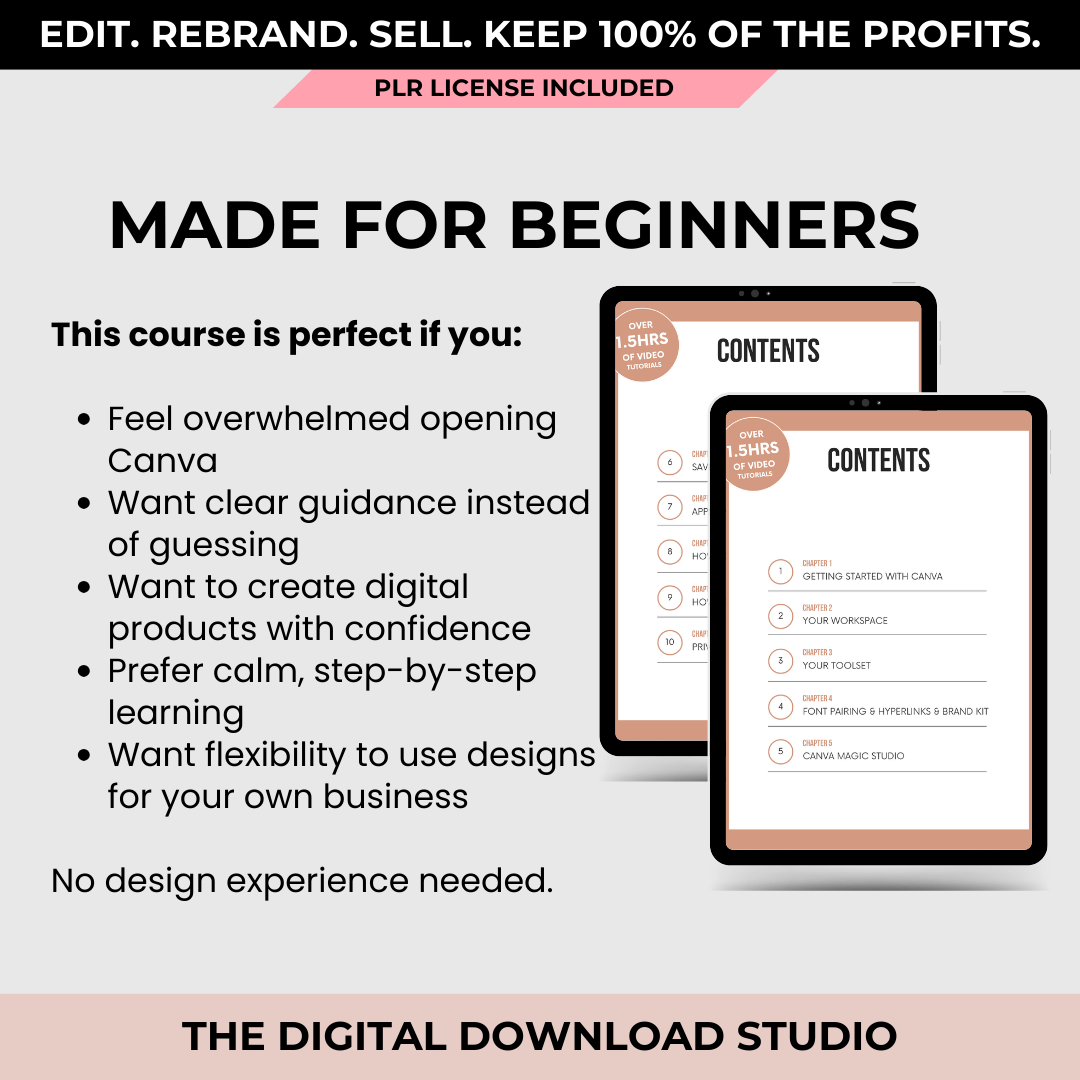
This course is a great fit if you:
- Are new to Canva and want clear guidance
- Feel overwhelmed by random tutorials
- Want to create digital products with confidence
- Prefer calm, step-by-step learning
- Want flexibility in how you use what you learn
What You’ll Receive
- A comprehensive Canva training course
- Over 1.5 hours of guided video tutorials
- Beginner-friendly explanations
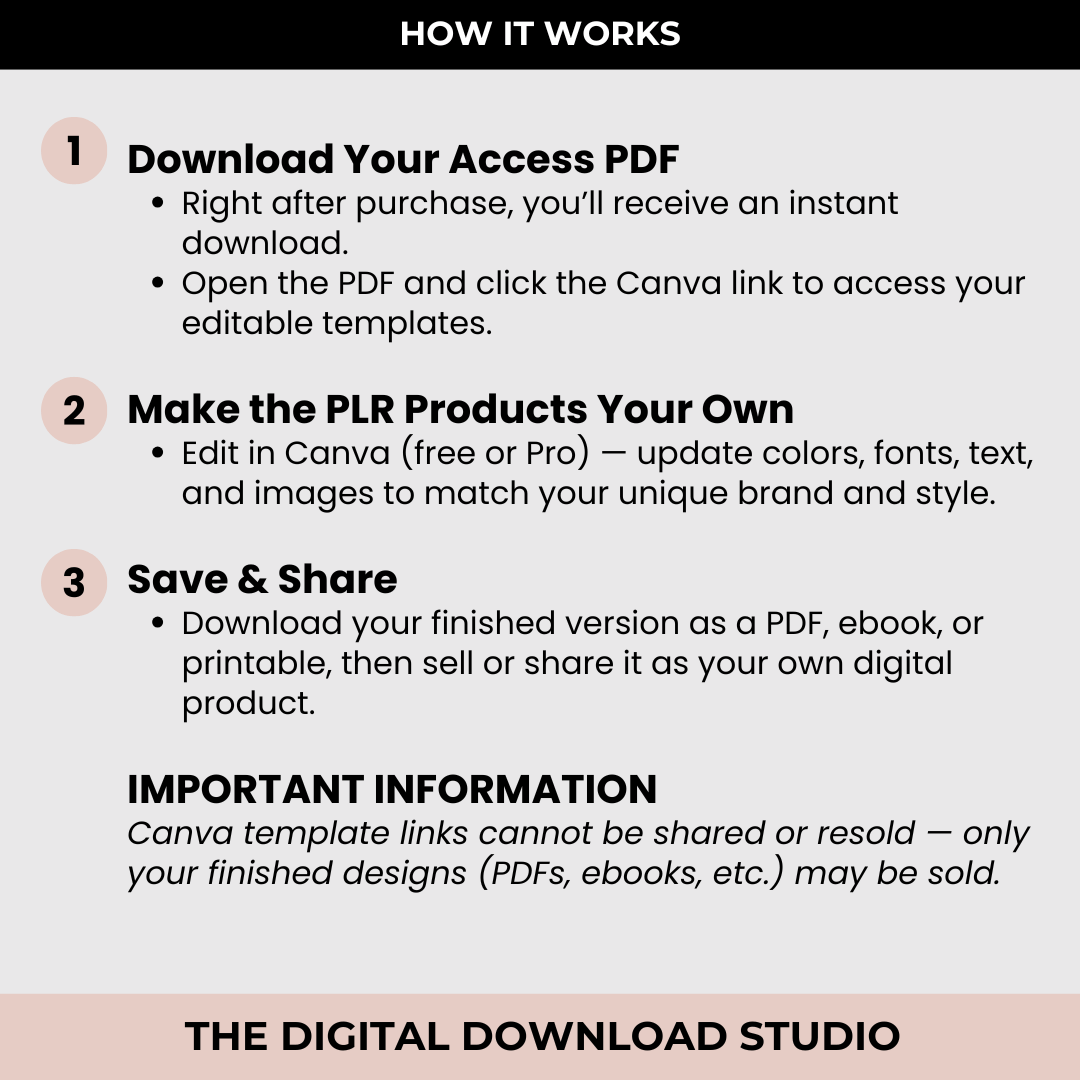
- Access PDF with Canva link
- PLR license included
- Instant digital access
Important
⚠️ Digital product only — no physical items
⚠️ All sales are final due to instant access
FAQs
Is this a physical product?
No. This is a digital download only. No physical items will be shipped.
How do I receive the files?
You’ll receive instant access after checkout, and a copy will also be sent to your email.
What files do I get?
You’ll receive 1 PDF file that includes a Canva edit link, allowing you to customize and rebrand the content.
Do I need Canva Pro?
No. A free Canva account works. If any Canva Pro elements appear, you can easily replace them with free alternatives.
Can I edit and customize the content?
Yes. This product includes PLR-for-use, so you can edit, customize, and rebrand the content in Canva.
Can I sell what I create using this product?
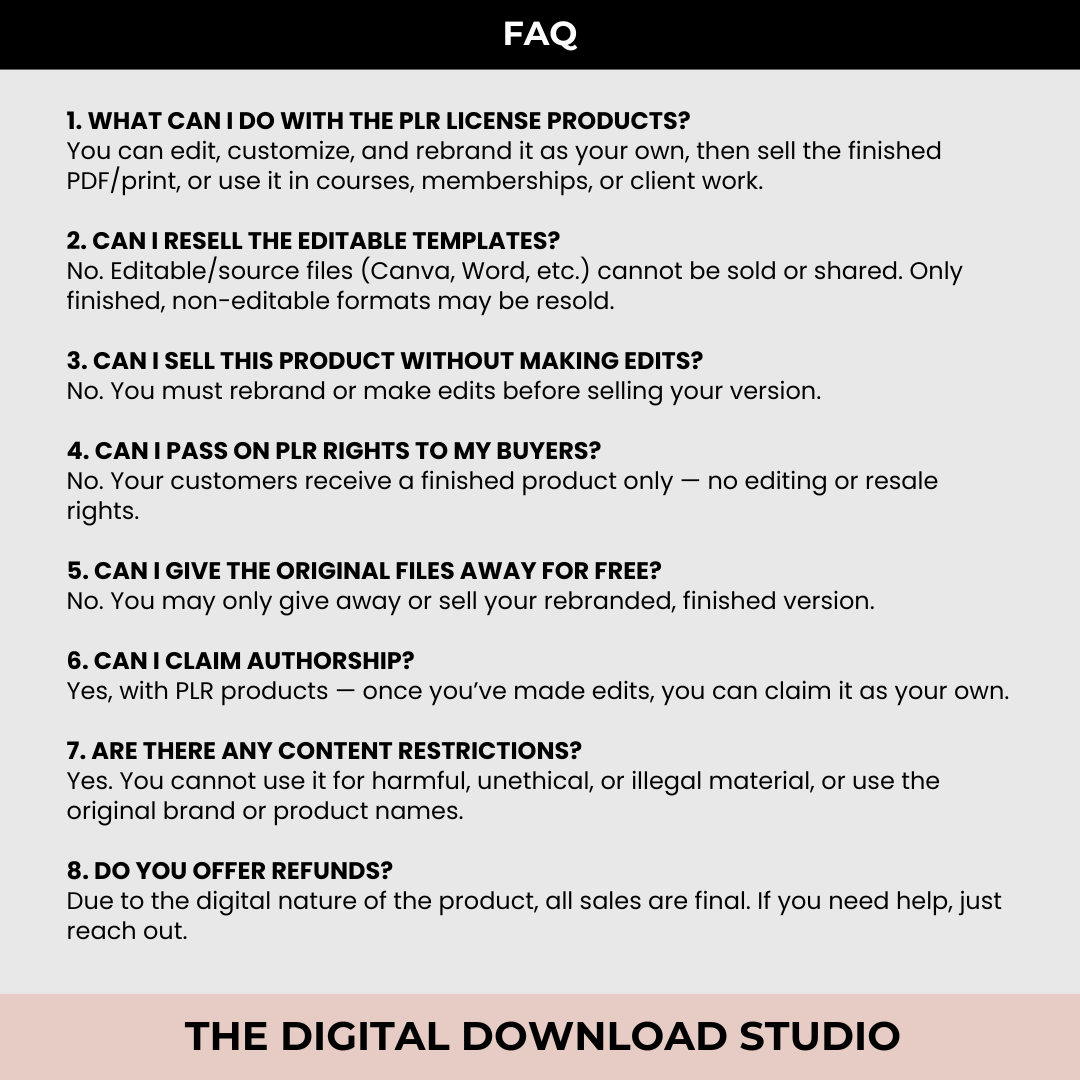
Yes. You may sell your own finished product (such as a PDF, ebook, guide, or course) created using the edited content.
Can I resell or share the templates or Canva link?
No. You may not resell, share, or distribute the templates, Canva edit link, or source files in any form.
Does this include PLR or resale rights for my buyers?
No. You may not pass on PLR, MRR, or resale rights to your customers.
Can I use this for client work?
Yes. You may use the edited content in paid client projects or services.
Do you offer refunds?
Due to instant digital access, all sales are final.
Returns and Refunds
- Due to the digital nature of this product, no refunds or returns are available.
- Please review all details carefully and contact me with any questions before purchase.
| Licenses | PLR License Included |
|---|
Only logged in customers who have purchased this product may leave a review.
Reviews
There are no reviews yet.